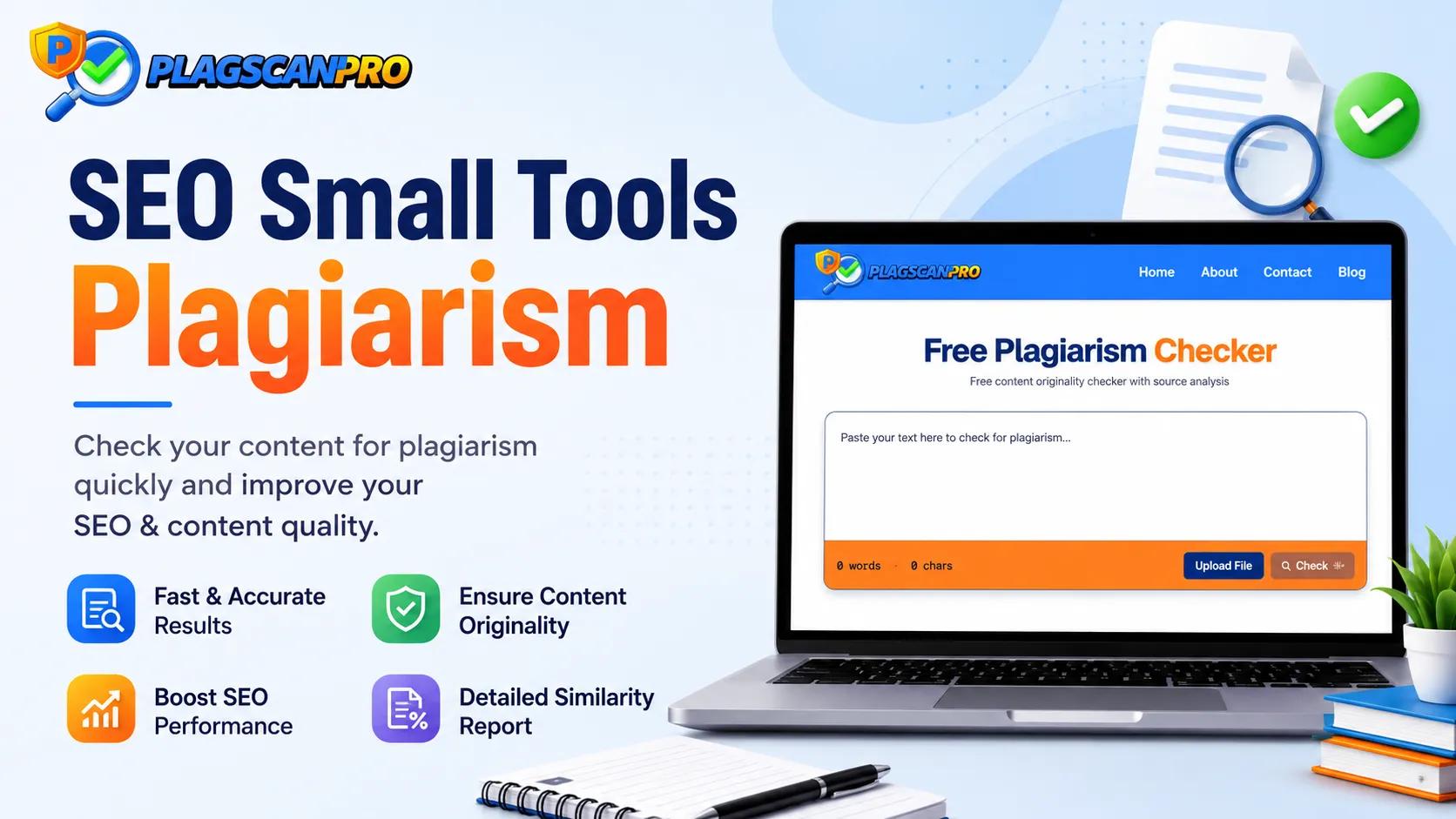
SEO Small Tools Plagiarism
Original content is the baseline expectation for anyone publishing online. Students submitting assignments, bloggers growing an audience, researchers building credibility, and SEO professionals protecting search rankings all share one requirement: the text they put out must be genuinely their own. SEO Small Tools Plagiarism checker is one of the free online tools writers use to verify that — a straightforward scanner that identifies duplicate content before it causes problems.
This guide explains how the SEO Small Tools Plagiarism checker works, what it offers, where its limits are, and when a more capable tool better serves your needs.
What is SEO Small Tools Plagiarism?
SEO Small Tools Plagiarism refers to the plagiarism detection feature available through the SEO Small Tools platform — a free, browser-based checker designed to scan text for duplicate content and similarity matches against published online sources.
The tool works as an originality checker for writers who need a quick scan without creating an account or paying for software. You paste your text or upload a document, the tool scans it against its reference database, and it returns a similarity report showing how much of your content matches existing sources.
It is commonly used for blog posts, short articles, website copy, and student assignments where a basic duplicate content check is sufficient. The interface is accessible from any browser without installation, making it a practical starting point for writers new to plagiarism scanning.
How Does the SEO Small Tools Plagiarism Checker Work?
The scanning process follows a straightforward sequence:
- Input your text — paste content directly into the text field or upload a supported document format
- Initiate the scan — click the check button to start the plagiarism detection process
- Scan completion — the tool compares your text against its database of online sources and published content
- Review your similarity percentage — the overall plagiarism percentage appears at the top of your results
- Identify highlighted matches — flagged passages are highlighted within your text so you can locate problem areas quickly
- Revise duplicate sections — rewrite or properly cite the flagged content based on what the report shows
- Re-scan if needed — run a second check after revisions to confirm your updated content clears
The entire process for a short document typically takes under a minute, making it a fast option for quick content verification before publishing.
Key Features of the SEO Small Tools Plagiarism Checker
- Free online access — no subscription or registration required for standard use
- Simple interface — paste text or upload a file and scan in two steps
- Fast scanning — results appear quickly for short to medium-length documents
- Similarity percentage — displays the overall duplicate content percentage clearly
- Highlighted matches — flags specific passages so you can identify and revise problem sections
- Multiple input options — supports copy-paste text input and common file formats
- Browser-based — works on any device without software installation
Advantages and Limitations
Advantages
The SEO Small Tools Plagiarism checker is genuinely useful for its intended purpose. It is free, requires no setup, and delivers results fast. For students checking a short essay, bloggers verifying a 500-word post, or writers doing a quick duplicate content scan before publication, it covers the basics without friction. The interface is beginner-friendly enough that no technical knowledge is needed to interpret results.
Limitations
Free tools at this level come with real constraints. Word limits mean longer documents must be split into multiple scans, which is inefficient and can cause you to miss matches that span across sections. Similarity reports tend to be basic — a percentage and highlighted text without deep source context or organized reporting. For academic research papers, full manuscripts, or high-volume SEO content, a more capable plagiarism scanner becomes necessary. Premium tools also tend to draw on larger databases, which improves detection accuracy on paraphrased content that a basic checker might miss.
When to Consider an Alternative Plagiarism Checker
Certain situations consistently exceed what a basic free tool can handle reliably:
- Large documents — dissertations, research papers, and long-form content over 5,000 words need a tool that scans the full document without splitting
- Academic submissions — universities expect thorough originality checks; a surface-level scan may miss the paraphrased overlaps that matter most
- Business documentation — client-facing reports, whitepapers, and proposals require clean similarity reports you can share with confidence
- Agency and SEO workflows — checking multiple long articles regularly demands speed, accuracy, and detailed reports across every document
- Publishing confidence — when the stakes are high, a detailed plagiarism report with source links is more actionable than a bare percentage
For these scenarios, PlagScanPro is a practical alternative. It is a dedicated plagiarism checker — not a grammar tool or writing assistant — built specifically for thorough document scanning and detailed reporting.
PlagScanPro scans documents up to 50,000 words in a single session, covering full manuscripts and long research papers without requiring you to split files. It produces a detailed similarity report with a clear plagiarism percentage, highlighted matches, and direct source links for every flagged passage. Multiple file formats including PDF and DOCX are supported, and documents are uploaded securely without being stored or republished after scanning. The interface is clean and straightforward — results are easy to read and act on without any technical setup.
Tips for Reducing Plagiarism
- Cite every source — attribute quotes, statistics, and referenced ideas properly using the citation style required by your institution or publication
- Write from understanding, not copying — close your source material and draft from memory to produce genuinely original sentences
- Quote directly when needed — when exact wording matters, use quotation marks and cite the source rather than paraphrasing poorly
- Paraphrase actively — rewrite ideas in your own sentence structure, not just synonym substitutions of the original phrasing
- Proofread for unintentional overlap — research-heavy writing often absorbs source language without the writer noticing; a final read helps catch it
- Run a plagiarism scan before submission — treat the similarity report as the last step of your editing process, not an afterthought
Conclusion
Plagiarism checking is not a one-time action — it is a standard step in every responsible writing workflow. SEO Small Tools Plagiarism checker serves its purpose well for short documents and quick content verification. For writers who need more — larger word limits, detailed source-linked reports, and secure document handling — the tool's basic feature set creates gaps that matter.
Choosing the right plagiarism detection tool depends on your document length, how detailed a report you need, and how much is at stake if something is missed. For students, researchers, agencies, and SEO professionals working with longer documents or higher publishing standards, PlagScanPro offers the scanning depth and report quality that basic free tools cannot match.
Visit PlagScanPro.com to scan your next document free.
FAQs
What is SEO Small Tools Plagiarism?
SEO Small Tools Plagiarism is a free, browser-based plagiarism checker that scans text for duplicate content against online sources. It works by comparing pasted or uploaded text against published web content and returning a similarity percentage with highlighted matches. It requires no registration and is accessible from any browser on any device.
Is SEO Small Tools Plagiarism free?
Yes. The basic plagiarism checking feature on SEO Small Tools is free to use without creating an account. You can paste text directly or upload a document and receive a similarity report at no cost. Word limits apply, so longer documents may need to be split into multiple scans to cover the full content.
How accurate is the SEO Small Tools plagiarism checker?
It is accurate for detecting direct matches against indexed web content. Like most basic free tools, it may miss paraphrased overlaps or content from sources outside its database. For academic submissions or professional publishing where higher accuracy is required, a more thorough plagiarism scanner with a larger reference database produces more reliable results.
Can I check large documents with SEO Small Tools?
SEO Small Tools has word limits that restrict how much text you can scan in a single session. For documents over a few thousand words — dissertations, research papers, or long articles — you would need to split the content and scan it in sections. For full large-document scanning in one session, PlagScanPro supports up to 50,000 words.
What is the best plagiarism checker for students?
Students need a checker that handles full essay and paper lengths, shows a clear similarity percentage, and links flagged passages to their sources. For short assignments, SEO Small Tools works as a starting point. For full research papers and academic submissions where thorough originality verification matters, PlagScanPro's detailed reports and 50,000-word capacity are more appropriate.
What should I do if plagiarism is found in my content?
Review each flagged passage in your similarity report and open the matched source to confirm the context. If the match is an uncited quote, add proper attribution. If it is unintentional overlap, rewrite the section in your own words. Once revisions are complete, re-scan the updated document to confirm your changes have resolved the flagged sections.
Is my content secure when using a plagiarism checker?
Security practices vary by tool. With PlagScanPro, uploaded documents are scanned and not stored or republished after processing. Before uploading unpublished or sensitive content to any plagiarism detection tool, review the platform's privacy policy to confirm how submitted documents are handled after scanning is complete.
What is the best alternative for scanning large documents?
For documents that exceed basic free tool word limits, PlagScanPro is a reliable alternative. It scans up to 50,000 words in a single session, supports PDF and DOCX formats, and produces detailed similarity reports with source links for every flagged passage — making it suitable for researchers, agencies, and publishers working with longer content.