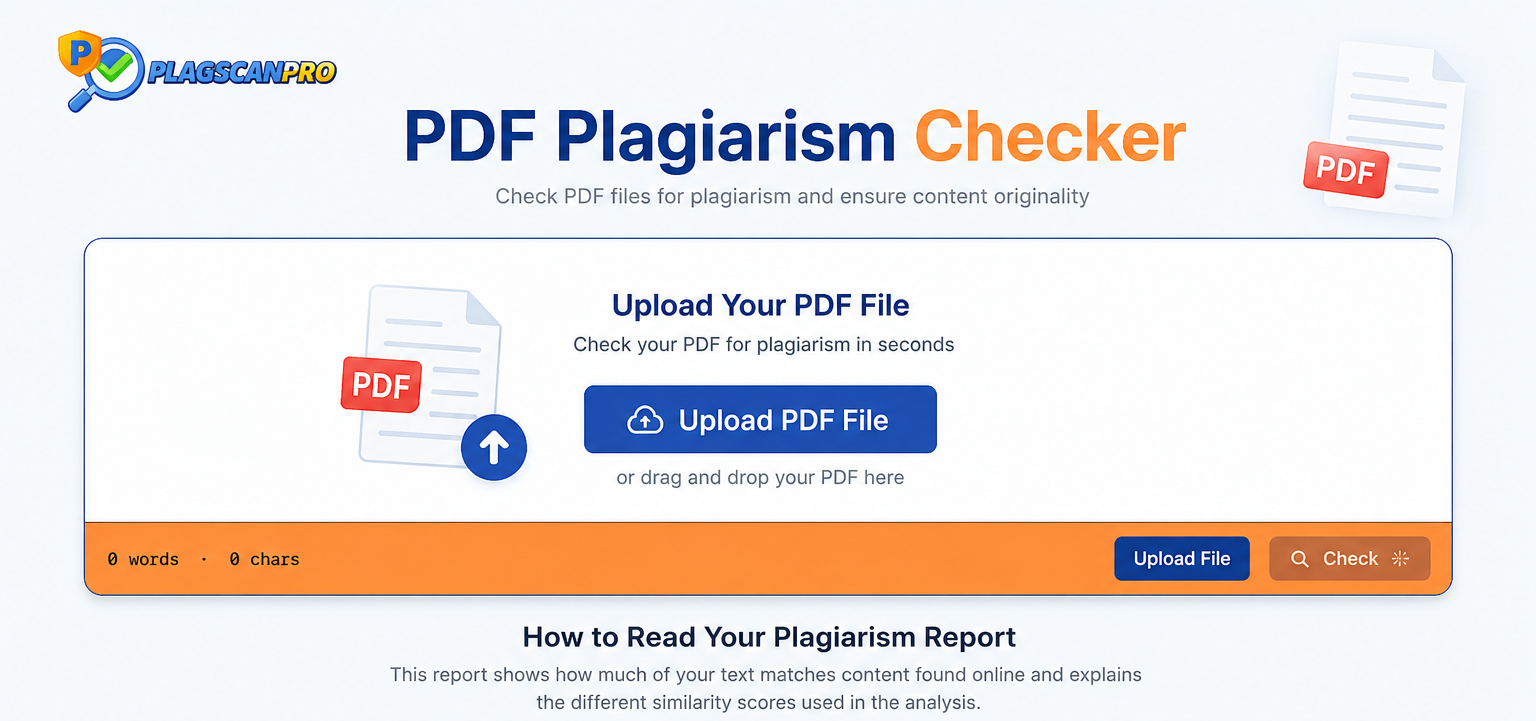
PDF is the most common format for academic papers, research documents, business reports, and published content. When originality matters — and it always does — a dedicated PDF plagiarism checker is the most direct way to confirm your document is clean before it reaches a reader, reviewer, or search engine.
Checking a PDF for plagiarism is not the same as checking plain text. The format preserves your document's layout, fonts, and structure, which means a tool that only accepts pasted text will not work. A proper PDF plagiarism checker reads the document directly, extracts the content, and scans it against published sources to identify duplicate content and similarity matches — no copy-paste required.
What Exactly Is a PDF Plagiarism Checker — and Why Do You Need One?
A PDF plagiarism checker is an online tool that accepts PDF file uploads, extracts the text content from the document, and compares it against a reference database of published web pages, academic papers, and previously scanned documents to identify matching or similar content.
The output is a similarity report — a breakdown showing your overall plagiarism percentage, the specific passages that match existing sources, and links back to each matched origin. This gives you an actionable document review you can use to revise flagged sections, confirm properly cited quotes, and verify content originality before submission or publication.
Without PDF upload support, you would need to convert every document to plain text before scanning — adding steps, losing formatting context, and increasing the chance of missing matches that appear across page breaks or formatted sections.
How to Check a PDF for Plagiarism: Step-by-Step
Checking a PDF document for plagiarism takes less than two minutes with the right tool:
- Upload your PDF file — select your document directly from your device; no conversion needed
- Start the scan — click to initiate the plagiarism detection process
- Let the engine process your document — the tool extracts text and compares it against its database
- Review your similarity percentage — your overall originality score appears at the top of the results
- Check highlighted matches — flagged passages are marked within the report with source references
- Edit flagged sections — rewrite or properly cite any content identified as duplicate
- Re-scan your revised document — upload the updated PDF to confirm revisions cleared the flagged sections
7 Features That Separate a Reliable PDF Plagiarism Checker from a Basic One
Not every plagiarism scanner handles PDFs equally. When choosing a tool, prioritize these capabilities:
- Direct PDF upload support — the tool must accept PDF files, not just pasted text
- Large document capacity — full dissertations and research papers require high word limits
- Fast processing — results within seconds, not minutes, for standard-length documents
- Detailed similarity reports — percentage, highlighted passages, and source links for every match
- Multiple file format support — PDF, DOCX, and plain text input covered in one tool
- Secure document uploads — your PDF should not be stored, indexed, or republished after scanning
- Clean, readable interface — results you can interpret and act on without a technical background
Why PlagScanPro Is Built for PDF Document Scanning
PlagScanPro is a dedicated plagiarism checker — not a grammar tool, writing assistant, or rewriter. Its purpose is scanning documents for duplicate content and delivering accurate similarity reports. For PDF users specifically, it covers every requirement that basic free tools miss.
Here is what PlagScanPro delivers:
- 50,000-word scanning capacity — upload full dissertations, complete research papers, and long-form content in a single session without splitting files
- Direct PDF and DOCX support — no conversion required before uploading
- Fast document processing — scan results appear quickly so you can review and revise without delays
- Detailed similarity reports — a clear plagiarism percentage with highlighted passages and direct source links for every flagged section
- Secure uploads — submitted documents are not stored or republished after the scan completes
- Straightforward interface — paste, upload, scan, and read results without setup or technical knowledge
PlagScanPro is used by students checking final paper submissions, teachers reviewing uploaded assignments, researchers confirming paper originality before journal submission, bloggers verifying outsourced content, freelancers protecting client deliverables, agencies auditing content at scale, businesses maintaining document standards, and publishers screening manuscripts before commitment.
Who Actually Needs a PDF Plagiarism Checker?
Students — submit essays, theses, and dissertations with confidence after verifying originality against published sources.
Teachers and universities — review student PDF submissions efficiently and identify similarity patterns across a class without manual comparison.
Researchers — confirm paper originality before submitting to journals or presenting at conferences where plagiarism checks are standard.
Bloggers and content writers — verify outsourced or research-heavy articles saved in PDF format before publishing to avoid duplicate content penalties.
SEO professionals — keep website content original and protected from search ranking penalties caused by duplicate or near-duplicate pages.
Freelancers — deliver verified original documents to clients with a similarity report as proof of content integrity.
Agencies — scan multiple PDF documents across different client projects quickly and consistently.
Publishers — screen manuscripts in PDF format for duplicate content before committing editorial resources to a project.
5 Things to Do Before Uploading Your PDF for a Plagiarism Scan
- Confirm the PDF is complete — partial uploads produce incomplete results; always scan the final version
- Check that the file is text-readable — scanned image PDFs without embedded text cannot be processed; convert to searchable PDF first if needed
- Include your references section — citations in your bibliography may appear as matches; knowing this helps you interpret your report accurately
- Proofread before scanning — fix obvious errors first so your revision effort focuses on originality, not grammar
- Scan the final draft — revisions introduce new phrasing that can create fresh overlap; always check the version you intend to submit
Conclusion
PDF documents carry some of the most important writing you produce — academic submissions, research papers, client reports, and published articles. A dedicated PDF plagiarism checker confirms that content is original before it reaches anyone who matters.
The right tool accepts PDF uploads directly, handles large documents without splitting, and produces detailed reports with source links you can act on. PlagScanPro covers all of these requirements — scanning up to 50,000 words, supporting PDF and DOCX formats, delivering clear similarity reports, and processing uploads securely.
Visit PlagScanPro.com to run a free plagiarism check on your next PDF document.
FAQs
What is a plagiarism checker PDF?
A plagiarism checker PDF is a tool that scans uploaded PDF files for duplicate content. It compares your document against published sources and returns a similarity report showing plagiarism percentage and flagged passages with source links.
Is there a plagiarism checker PDF free?
Yes. PlagScanPro offers free PDF plagiarism scanning with no mandatory registration. Upload your PDF, run the scan, and receive a similarity report instantly. No subscription required to access core scanning features on standard documents.
Which plagiarism checker free online PDF tool is best?
PlagScanPro is one of the most reliable free online PDF plagiarism checkers available. It accepts direct PDF uploads, scans up to 50,000 words, and delivers a detailed similarity report — all without requiring payment or account creation.
Can I check a plagiarism checker PDF file without converting it?
Yes. PlagScanPro accepts PDF files directly — no conversion to DOCX or plain text needed. Simply upload your PDF file, initiate the scan, and receive your plagiarism percentage with highlighted matches and source links immediately.
Is there a free online plagiarism checker with report PDF output?
Yes. PlagScanPro generates a detailed plagiarism report after scanning your document. The report includes your overall similarity percentage, highlighted duplicate passages, and matched source links — giving you a complete originality breakdown you can review and act on.
Looking for a quick web-based alternative for shorter texts? Check out our guide on the SEO Small Tools Plagiarism Checker to see how it compares to deep document scanning.